Skip to content

Hexo 博客搭建

date
2023-05-21 20:25:37

之前博客的域名和服务器都过期了,续费太贵了。找了一下发现可以使用 Hexo + Gitee/Github 搭建博客,免费。

Hexo 文档:https://hexo.io/zh-cn/docs/

环境搭建

环境搭建:

  • Gitee Pages 服务 / GitHub
  • Hexo 静态博客框架

Gitee Pages 服务

在 Gitee 上创建一个和用户名相同名字的仓库,然后点击 "服务" -> Gitee Pages 进行申请。
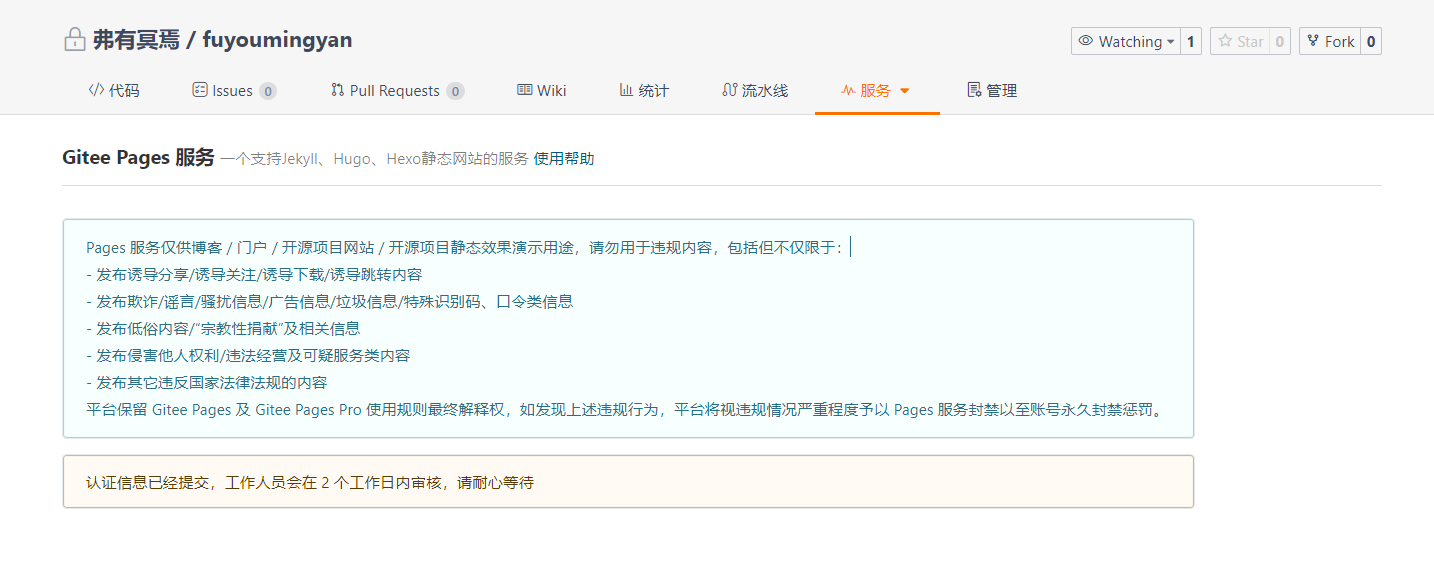
image-20230528202445179

GitHub Pages

github 不需要审核,由于 github 的原因,打开速度可能会有点慢,不过其实影响不大。

创建一个 公开的 ,名字为 username.github.io 的仓库即可,比如:

image-20230530095026815

SSH 公钥配置

看这里

Hexo 搭建

搭建流程:

  1. 安装 Node.js
  2. 使用 npm 安装 Hexo

1.安装 Node.js

官网:https://nodejs.org/zh-cn/

2.安装 Hexo

打开 Git Bash 或者命令窗口,使用 npm 安装 hexo

1
2
3
4
5
# 1. 直接使用 npm 安装 hexo-cli
npm install hexo-cli -g
# 2. 使用淘宝 npm 镜像安装 hexo-cli
npm install -g cnpm --registry=https://registry.npm.taobao.org  
cnpm install hexo-cli -g

初始化博客

1
2
3
hexo init <folder>
cd <folder>
npm install

启动博客

1
2
3
hexo clean  # 清除缓存文件 (db.json) 和已生成的静态文件 (public)
hexo g  # hexo generate 生成静态文件
hexo s  # hexo server 启动服务器

每一次启动都需要执行这 3 个命令,可以把它们放到一个 sh 脚本中,之后直接运行即可。

安装主题

Fluid 主题配置:https://hexo.fluid-dev.com/docs/

1.下载主题

cd themes
git clone https://gitee.com/mirrors/hexo-theme-fluid.git fluid

2.覆盖配置

复制 _config.yml ,重命名为 _config.fluid.yml

3.修改Hexo配置

修改 _config.fluid.yml

1
2
3
4
5
6
# 站点信息(标题/作者/语言)
title: fuyoumingyan's blog
author: fuming
language: zh-CN
# 选择主题(fluid)
theme: fluid

4.修改主题配置

themes\fluid 目录下的 _config.yml

修改同上;

5.创建关于页面

1
2
3
4
# 创建 about 页面
hexo new page about
# 添加 layout 属性
layout: about

图床搭建

Hexo 对于图片很不方便,直接搭建图床即可,费用便宜有不费事。

使用工具:

  • 腾讯云 COS ( 对象存储服务 )
  • PicGo ( 图床 )
  • Typora

腾讯云 COS

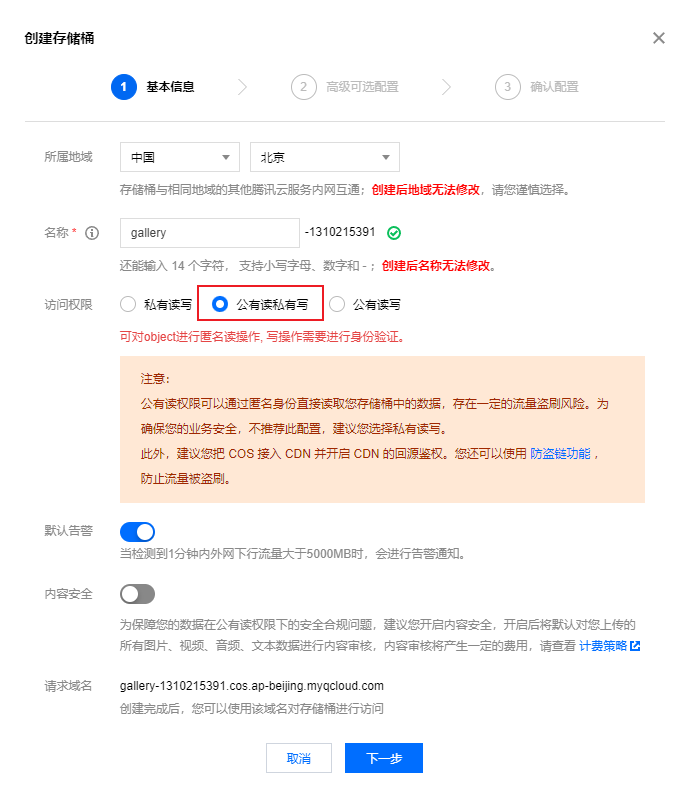
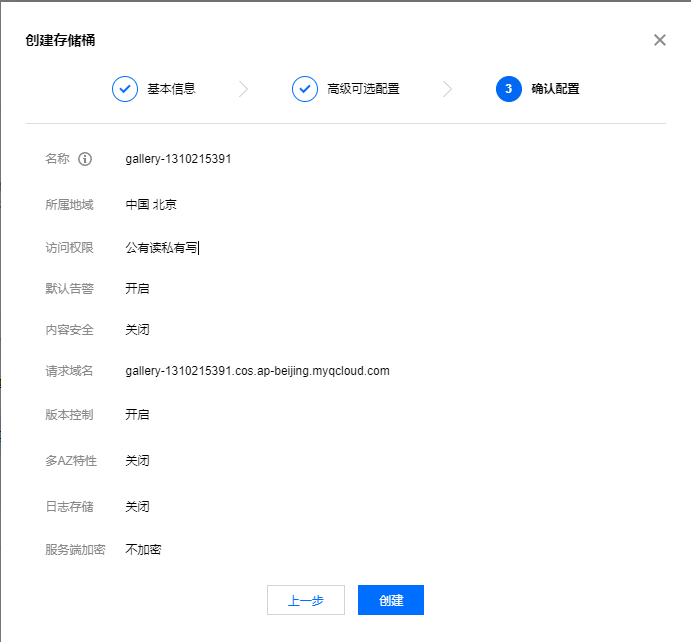
1.创建存储桶

image-20230528171752495

image-20230528171846922

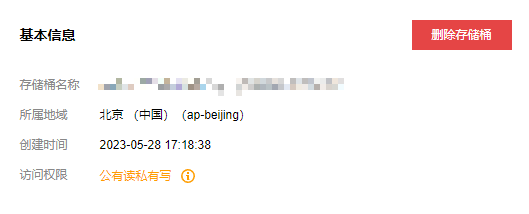
之后有域名开启防盗链。

2.购买资源包

资源包有 3 种,这里关注的主要资源是 存储容量流量

读写请求 可能在这种情况下相对较低,因为你主要是上传和下载图片文件。

image-20230528172606722

PicGo

官网:https://molunerfinn.com/PicGo/

图床设置 -> 腾讯云 COS
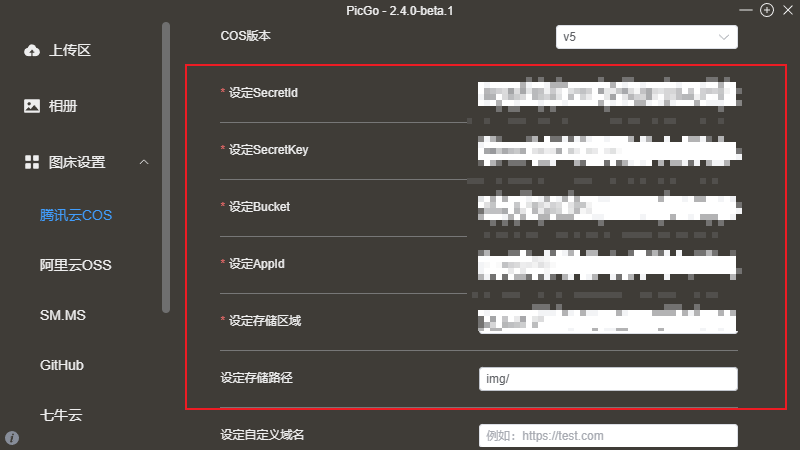
image-20230528172822673

AppId、SecretId、SecretKeyAPI 密钥管理

Bucket :存储通名称

image-20230528173813481

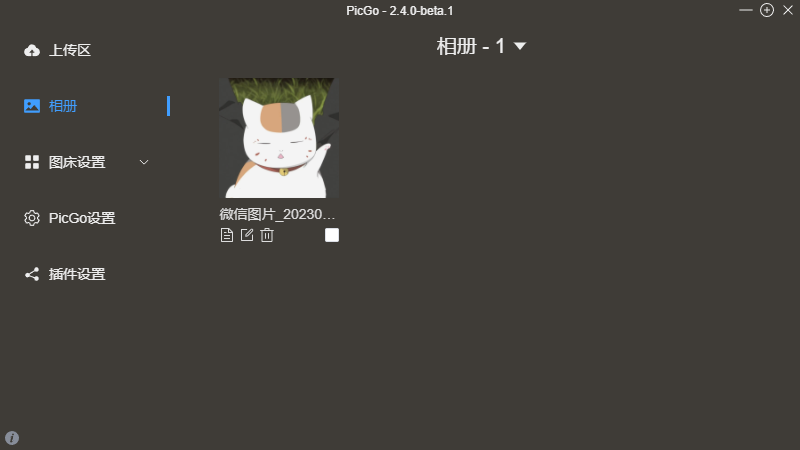
上传图片测试即可。

image-20230528173040303

typora

image-20230528173531232

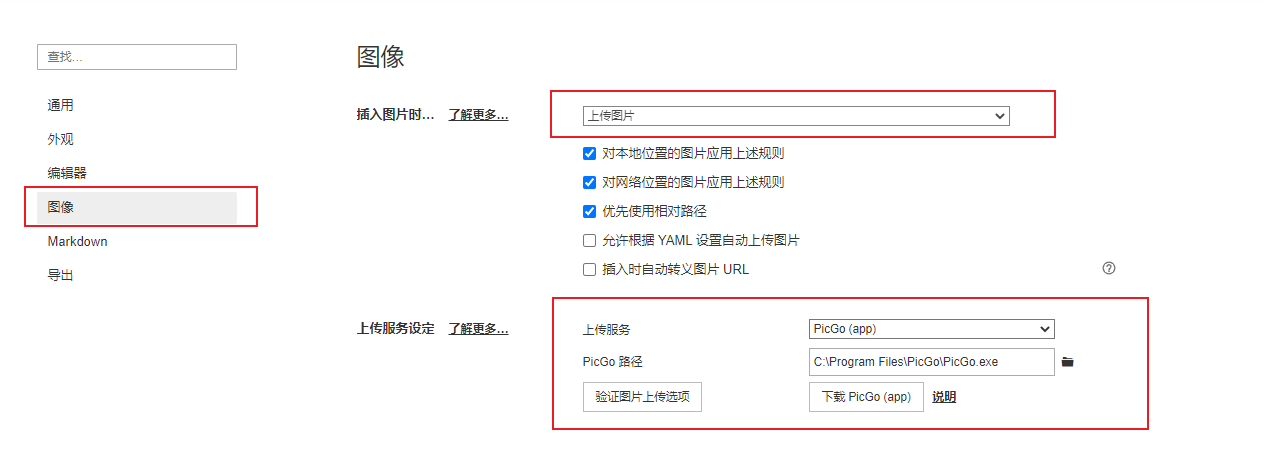
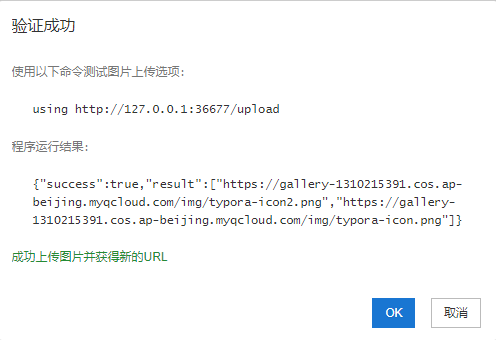
验证图片上传选项:

image-20230528173559303

文章书写

  1. 先在 typora 上写完,在复制到 source\_posts 目录即可 ( md 文件 )
  2. 使用 hexo new 文章名source\_posts 下创建文章,在书写

可以本地书写,然后使用 hexo 创建文章,文章最好是英文名称,然后在把本地的替换掉即可

Front-matter 常用参数:

1
2
3
4
5
6
7
8
---
title: SQL 注入
date: 2023-05-28 17:41:56
tags: Web 漏洞
categories:
  - 渗透测试
  - Web 漏洞
---

部署上线

1
2
3
4
5
6
7
8
9
# 1. 安装 hexo-deployer-git
npm install hexo-deployer-git --save
# 2. 修改站点配置文件 ( `_config.yml` )
deploy:
  type: git
  repo: git@github.com:fuyoumingyan/fuyoumingyan.github.io.git 
  branch: main
# 3. 推送到线上 ( 先执行一下 clean 和 g )
hexo d

推送上去后,可能不会立即生效,过一会刷新一下网页就好了。

优化使用

部署这里可以使用 shell 脚本来完成,安装了 git 后,在 windows 环境下也是可以运行 shell 脚本的。

在本地部署站点 server.sh

1
2
3
hexo clean
hexo g
hexo s

推送到线上 publish.sh

1
2
3
hexo clean
hexo g
hexo d