前言
上次使用 claude + 中转的 Claude Oplus 4.6 做重构,但是 WEB 毕竟丑。中转站的充的钱花完了。
后面准备接着自己改,但是代码风格的确是很不符合,改的很难受,所以干脆就重新自己写了,白费钱。
目标还是重构 threat-sail 项目,进行解耦,顺便让 AI 写个好看的前端。
WEB 是使用 Codex 写的,好用还便宜,5 块钱一个月能进一个 team,买了俩个换着来,比 Oplus 中转便宜多了。

Spider
和上次设计的相同,每个爬虫都是单独的脚本,生产数据,使用 .running、.done 来表示状态。
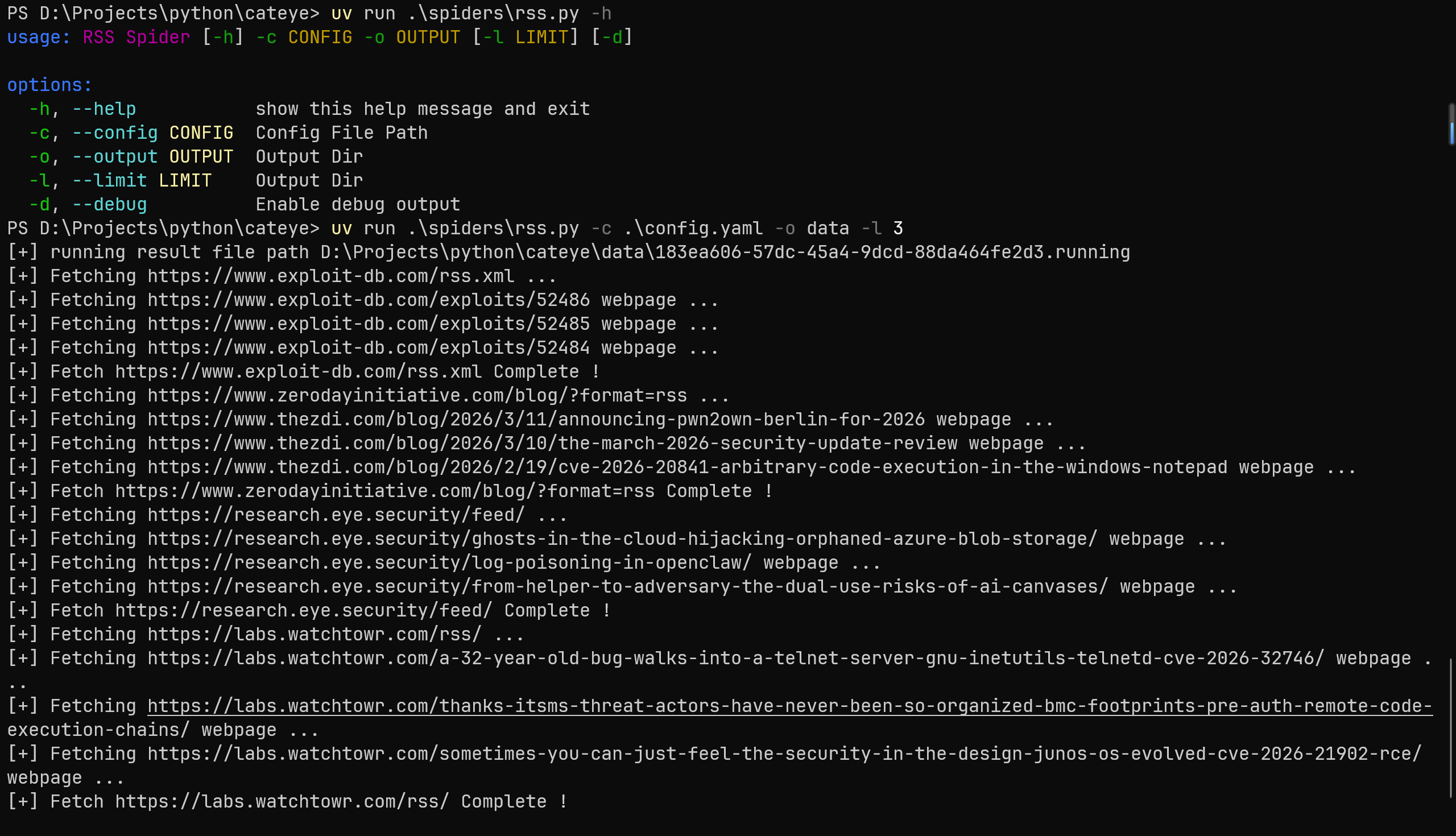
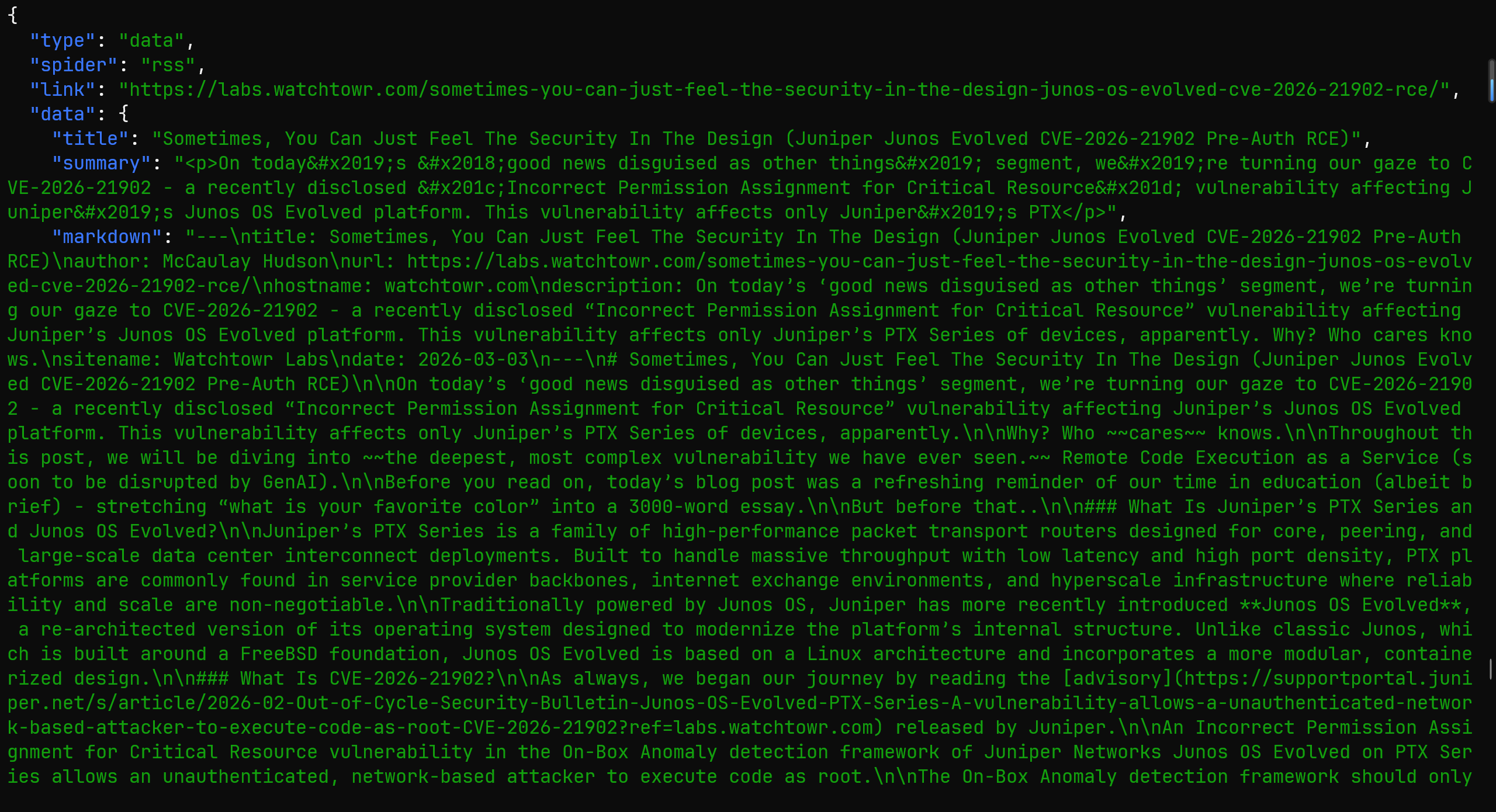
在获取文章的内容时候,之前的项目使用的浏览器截图 + 视觉模型进行分析,但是在公众号发现了一个 Crawl4ai 的项目,说是可以直接生成干净的 markdonw。
随后就试了一试,就是直接按照 github 上面的去用
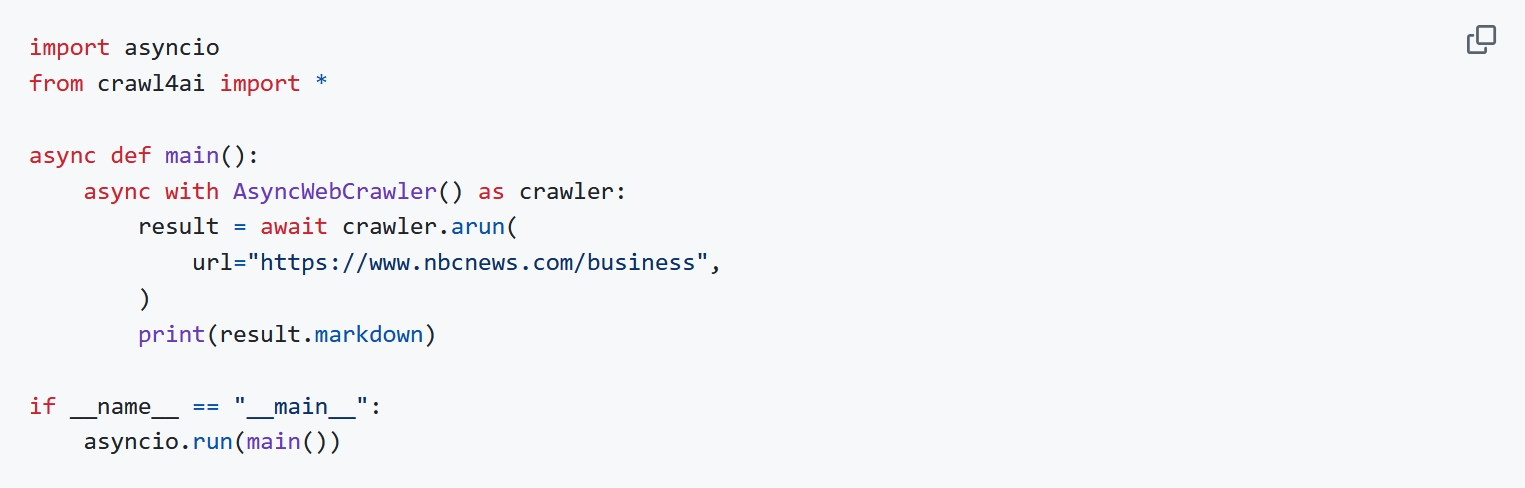
发现爬微信文章的时候会失败,应该是请求头的问题,而且也很慢,所以就干脆找找方案自己写。
核心的诉求就是 HTML => Markdonw,就找到了 trafilatura,效果还不错,至少普通的博客文章获取完全没有问题。
1
2
3
4
5
6
7
8
9
10
11
12
13
14
15
16
17
18
19
20
21
22
23
24
25
26
27
28
29
30
31
32
33
34
35
36
37
38
39
40
41
42
43
44
45
46
47
48
49
50
51
52
53
54
55
56
57
58
59
60
61
62
63
| def get_html_browser(url: str, timeout=45) -> str:
try:
from playwright.sync_api import sync_playwright
import time
with sync_playwright() as p:
browser = p.chromium.launch(
headless=True,
args=[
"--no-sandbox",
"--disable-dev-shm-usage",
"--disable-blink-features=AutomationControlled"
]
)
context = browser.new_context(
user_agent="Mozilla/5.0 (Windows NT 10.0; Win64; x64) AppleWebKit/537.36 (KHTML, like Gecko) Chrome/120.0.0.0 Safari/537.36"
)
page = context.new_page()
page.goto(url, timeout=timeout * 1000, wait_until="load")
page.wait_for_timeout(30 * 1000)
text = page.content()
browser.close()
return text
except Exception as e:
print('[-] Use Browser get {} html failed, error is {}'.format(url, e))
return ''
def get_html_requests(url: str, timeout=45) -> str:
try:
import requests
headers = {
'User-Agent': 'Mozilla/5.0 (Windows NT 10.0; Win64; x64) AppleWebKit/537.36 (KHTML, like Gecko) Chrome/120.0.0.0 Safari/537.36',
'Accept': 'text/html,application/xhtml+xml,application/xml;q=0.9,image/webp,*/*;q=0.8',
'Accept-Language': 'zh-CN,zh;q=0.9,en;q=0.8',
'Connection': 'keep-alive',
}
res = requests.get(url, headers=headers, timeout=timeout, verify=False)
res.raise_for_status()
return res.text
except Exception as e:
print('[-] Use Requests get {} html failed, error is {}'.format(url, e))
return ''
def fetch_webpage(url: str, use_browser=False, timeout=45) -> str:
try:
print('[+] Fetching {} webpage ...'.format(url))
from trafilatura import extract
if use_browser:
html = get_html_browser(url, timeout)
else:
html = get_html_requests(url, timeout)
extracted = extract(
html,
output_format='markdown',
include_links=True,
include_images=False,
with_metadata=True,
url=url
)
return extracted if extracted is not None else ''
except Exception as e:
print("[-] Fetch {} webpage failed, error is {}".format(url, e))
return ''
|
对于博客的爬虫,之前是每种博客一个 py,现在换成统一的 xpath,复制下文章的 HTML,让 AI 直接输出对应格式的 xpath 语法。
1
2
3
4
5
6
7
8
9
10
11
12
13
14
15
16
17
18
19
20
21
22
23
24
25
26
27
28
29
30
31
32
33
34
35
36
37
38
39
40
41
42
43
44
45
46
47
48
49
50
| blog:
- url: https://horizon3.ai/category/attack-research/attack-blogs/
use_browser: false
xpath:
article: "//div[@id='feed1']/div[contains(@class, 'brxe-fvkcoy')]"
title: ".//h4[contains(@class, 'brxe-heading')]/a/text()"
link: ".//h4[contains(@class, 'brxe-heading')]/a/@href"
desc: ".//div[contains(@class, 'brxe-giogpl')]/text()"
- url: https://labs.watchtowr.com/
use_browser: false
xpath:
article: "//div[contains(@class, 'gh-feed')]/article[contains(@class, 'gh-card')]"
title: ".//h2[contains(@class, 'gh-card-title')]/text()"
link: ".//a[contains(@class, 'gh-card-link')]/@href"
desc: ".//div[contains(@class, 'gh-card-excerpt')]/text()"
- url: "https://www.rapid7.com/blog/?blog_tags=Vulnerability%20Management,Research,Zero-Day,Vulnerability%20disclosure,Emergent%20Threat%20Response&blog_category=Threat%20Research,Vulnerabilities%20and%20Exploits"
use_browser: true
xpath:
article: "//div[@id='blog-cards-list']//a[contains(@class, 'group')]"
title: ".//h3[contains(@class, 'text-[23px]')]/text()"
link: "./@href"
desc: ".//p[contains(@class, 'eyebrow-card')]/text()"
- url: https://projectdiscovery.io/blog/category/vulnerability-research/1
use_browser: false
xpath:
article: "//div[contains(@class, 'grid')]/div[contains(@style, 'opacity')]"
title: ".//h3[contains(@class, 'text-xl')]/text()"
link: ".//a[contains(@class, 'group')]/@href"
desc: ".//p[contains(@class, 'line-clamp-3')]/text()"
- url: https://unit42.paloaltonetworks.com/category/threat-research/
use_browser: true
xpath:
article: "//div[contains(@class, 'l-card') and contains(@class, 'l-card--transparent')]"
title: ".//h5[contains(@class, 'post-title')]/text()"
link: ".//a[.//h5[contains(@class, 'post-title')]]/@href"
desc: ".//span[contains(@class, 'post-pub-date')]/time/text()"
- url: https://unit42.paloaltonetworks.com/category/top-cyberthreats/
use_browser: true
xpath:
article: "//div[contains(@class, 'l-card') and contains(@class, 'l-card--transparent')]"
title: ".//h5[contains(@class, 'post-title')]/text()"
link: ".//a[.//h5[contains(@class, 'post-title')]]/@href"
desc: ".//span[contains(@class, 'post-pub-date')]/time/text()"
- url: https://projectzero.google/archive.html
use_browser: false
xpath:
article: "//section[contains(@class, 'post-content')]/div"
title: ".//a[contains(@class, 'archive-link')]/text()"
link: ".//a[contains(@class, 'archive-link')]/@href"
desc: ".//p[contains(@class, 'post-date')]/text()"
|
剩下的推特和 CVE 暂时就不写了,等后面需要再说,毕竟目前我自己也不太能用得到,现在流程能跑通就没问题。
Pipeline
把之前的拆分拆分
- 入库,清洗数据
- LLM 总结
- 重要数据通知
WEB
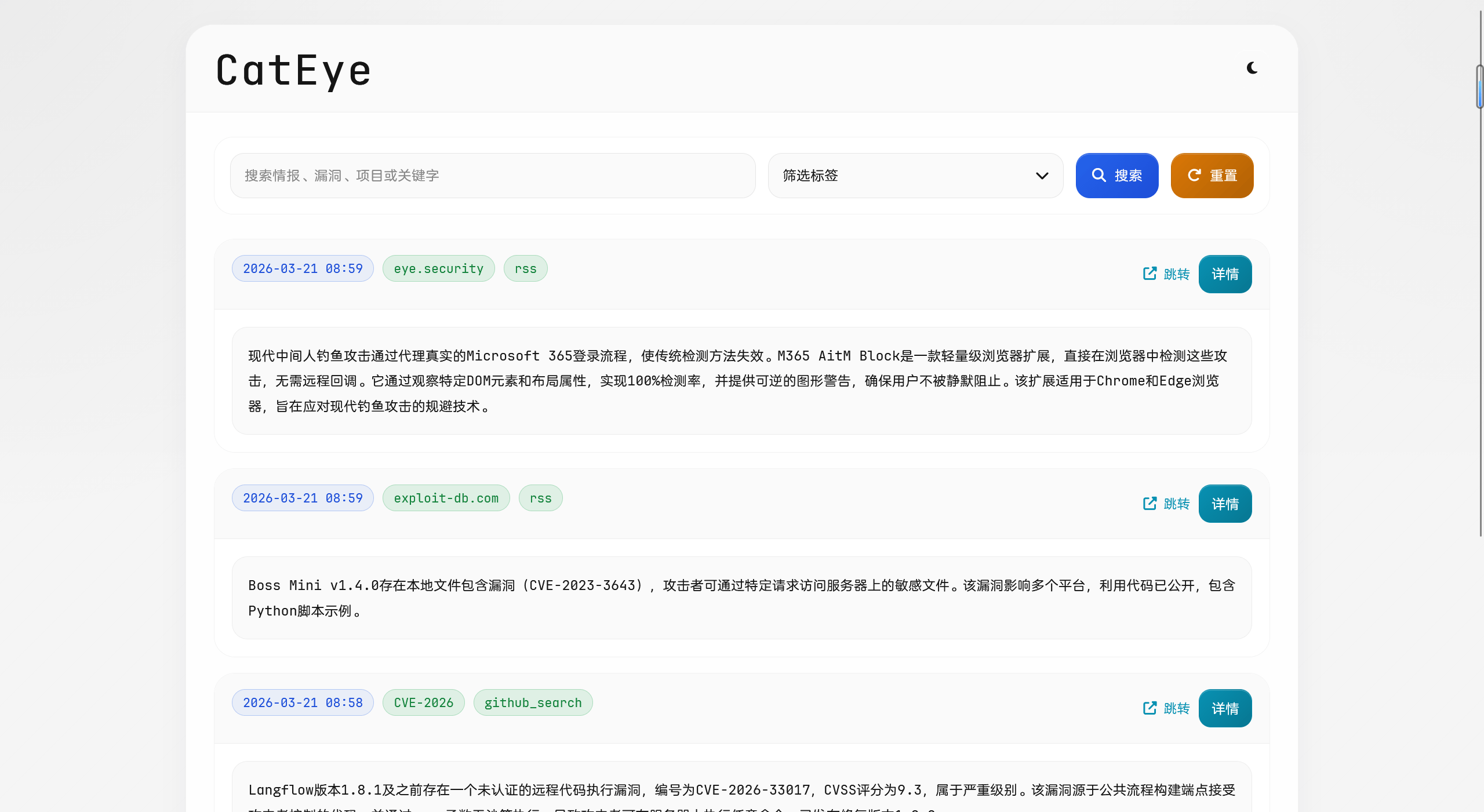
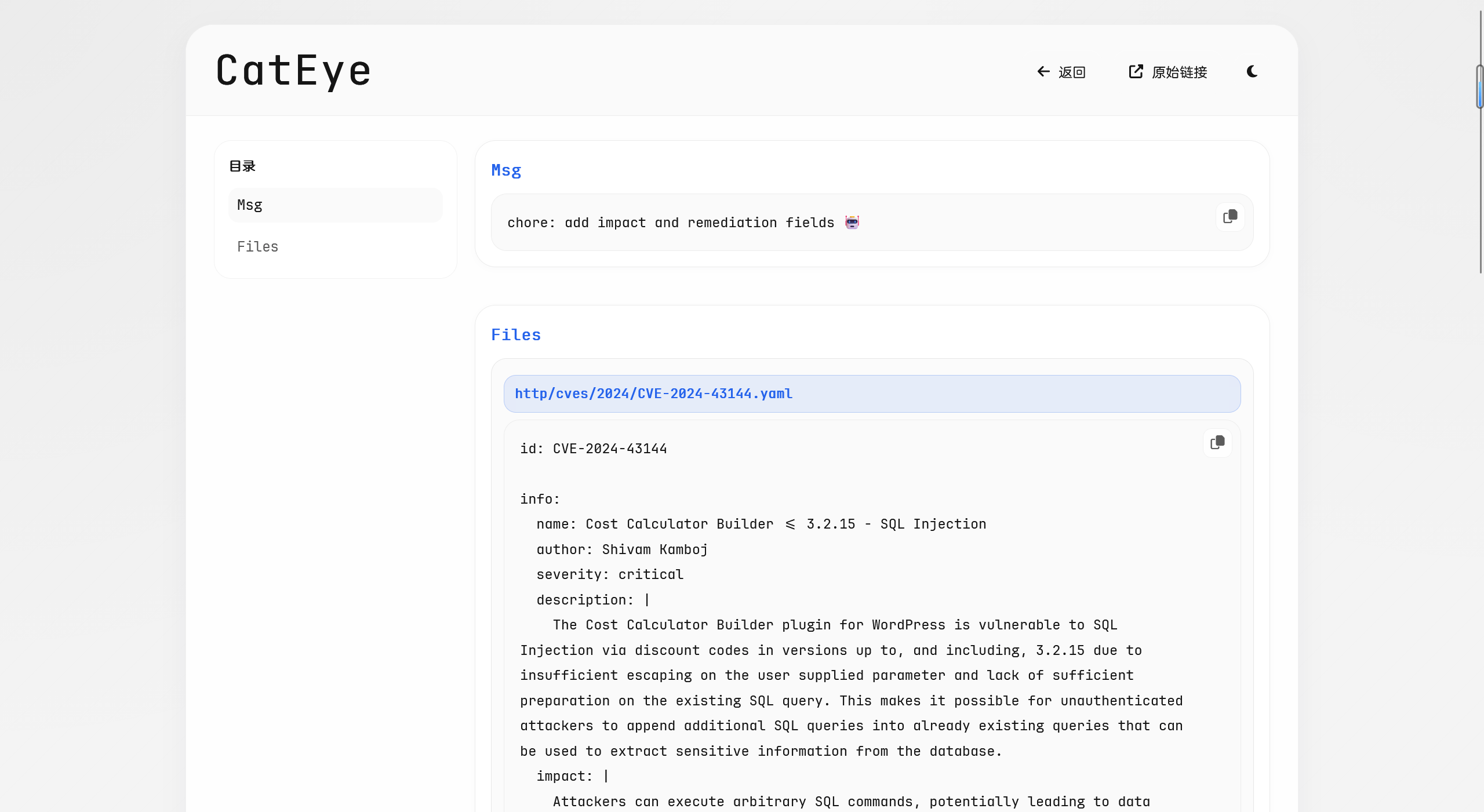
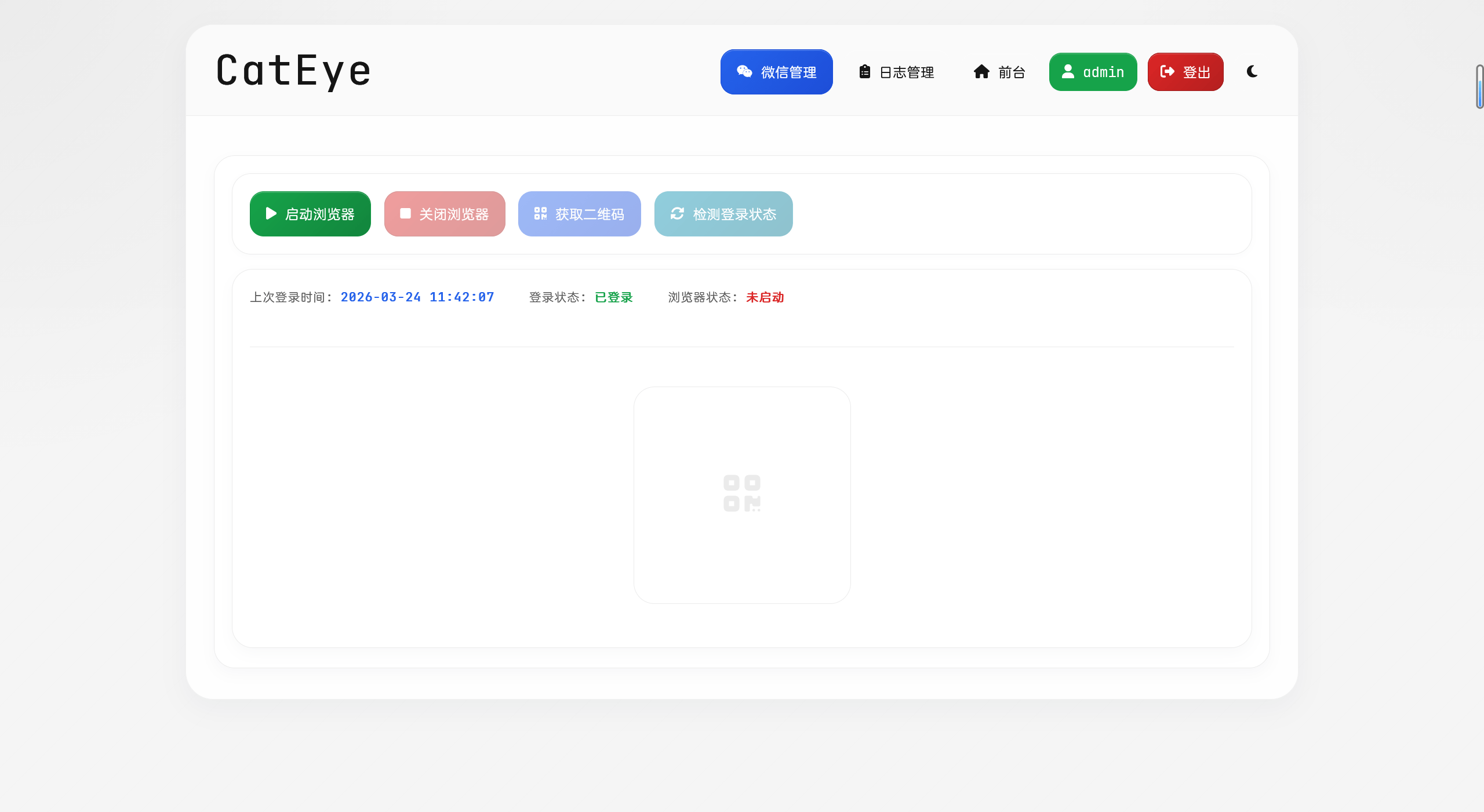
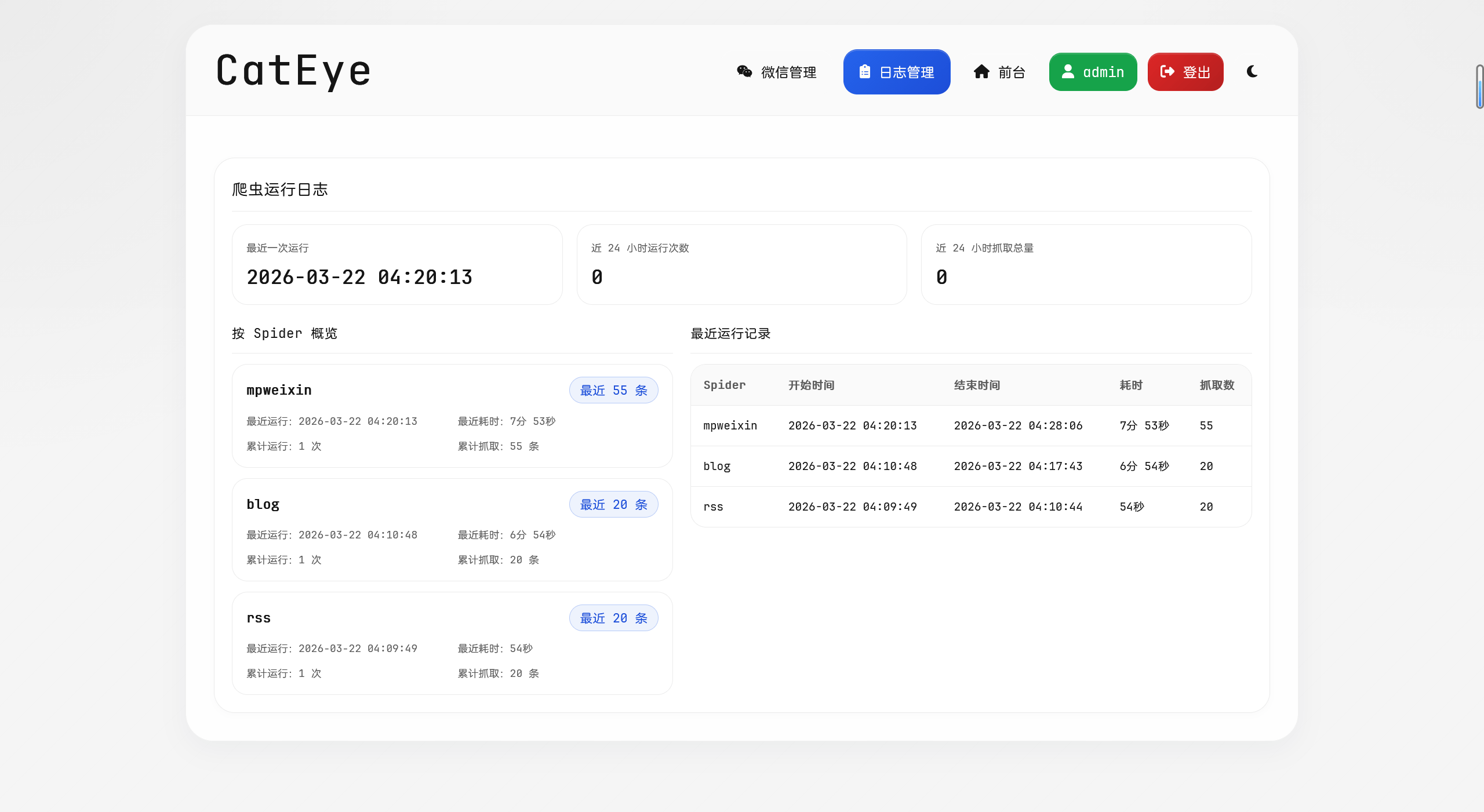
没有很多的介绍,就是让 Codex 参照我之前的 threat-sail-view 项目去实现,高级一点。
这次是直接前后端全部自己生成了,也是一遍过,后面就是调整细节样式之类的。
结果还是蛮不错的,至少比我自己用 element 弄的好看
以前的:
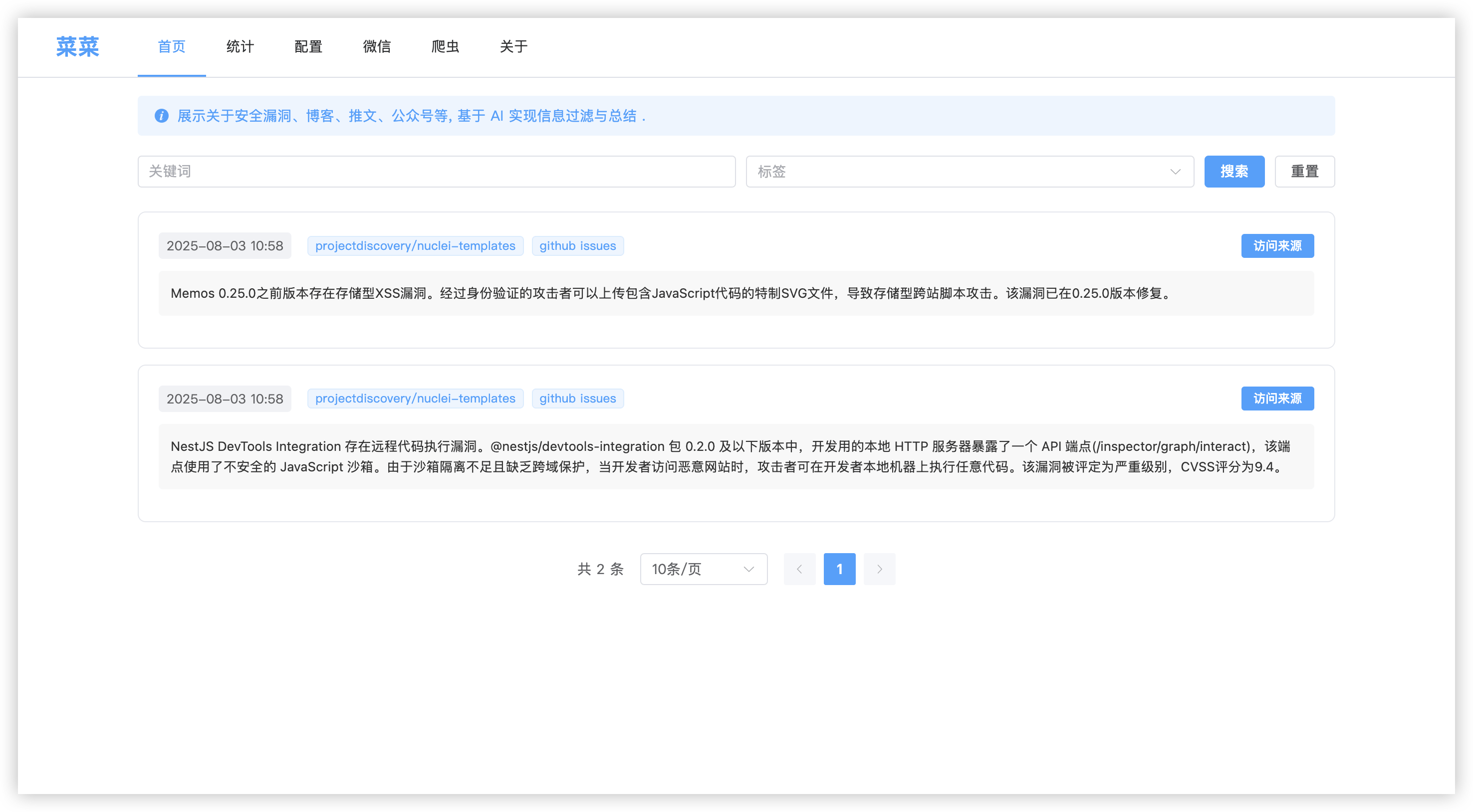
现在的,高级不少,而且还把详情页弄出来了:
结语
AI 从最初的对话到 Cursor、Claude Code 这些写代码的工具,发展的太快了,如果不需要维护的话,完全可以让 AI 去编写一个完整的项目。
但是如果个人需要维护,最好还是写完的看一遍,就像之前使用 CC 重构,功能完全的实现,但是我自己回过头想改就很难受。